Invoice recognition software with AI, down to the line
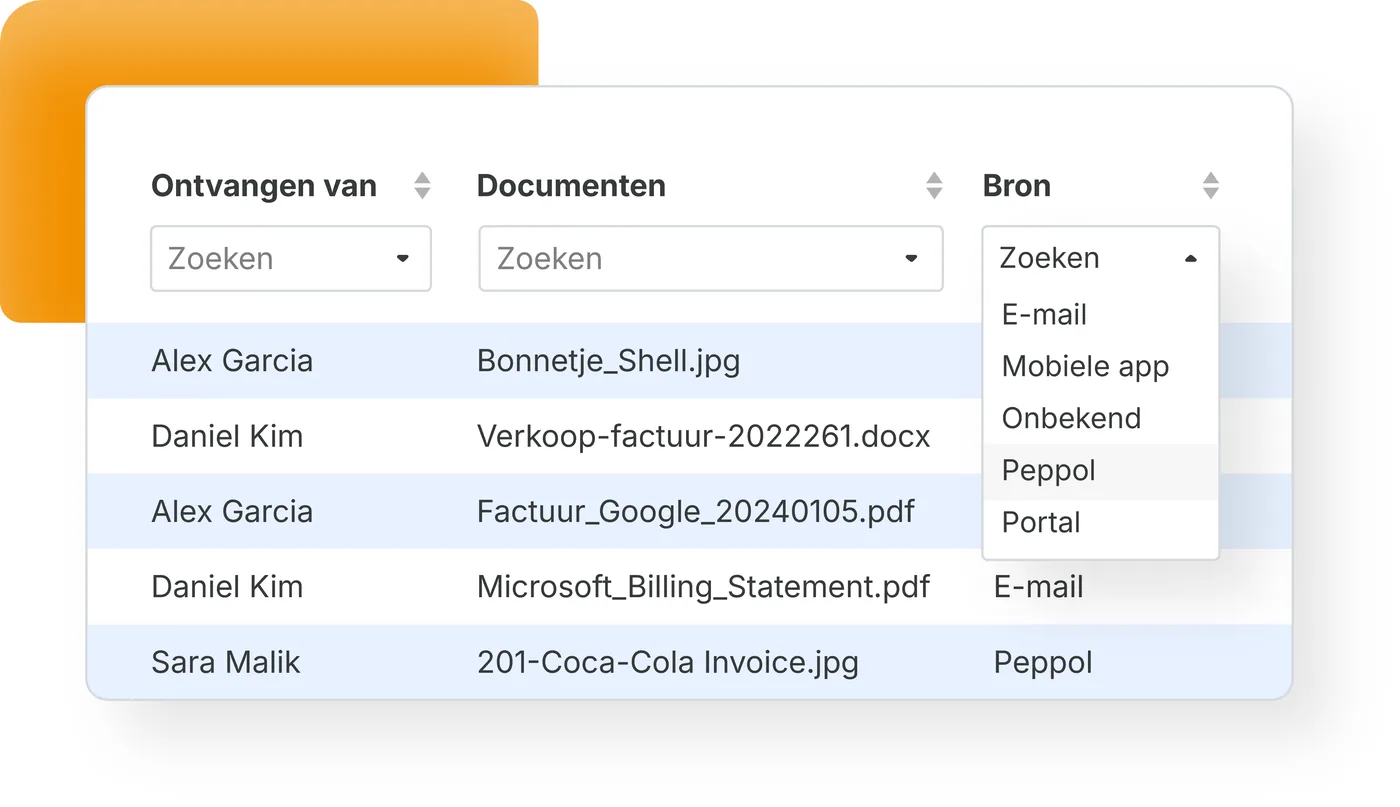
Invoice recognition software with self-learning AI: TriFact365 reads invoices and receipts automatically, down to line level. Submit by upload, e-mail, the mobile app or Peppol and receive a complete booking proposal for your accounting software within seconds. Recognition is where the pre-accounting stage starts, so nobody has to retype a field again.

Link with all leading accounting software
What is invoice recognition software?
Invoice recognition software reads the data on an invoice automatically: the supplier, the date, the amounts, the VAT and the individual invoice lines. It turns that into a booking proposal, combining OCR with self-learning AI that gets more accurate with every invoice.
Not quite what you need? TriFact365 optimises your entire pre-accounting, up to and including the journal entries in your accounting software: the proposed entry reaches your accounting software only after your visual final check. To see how documents arrive and are scanned, look at submitting and scanning documents. And for the whole route up to the entry there is a separate page.
How does invoice recognition software work?
Recognition runs in four steps: reading, recognising the fields, coding and booking. The first three happen without you, and at the fourth you take the decision. Below you can read what happens at each step, including what happens to the exceptions.
1. Reading
OCR turns the image of a scan, a photo or a PDF into characters. UBL and Peppol invoices skip this step altogether, because they already arrive as structured data.
2. Recognising the fields
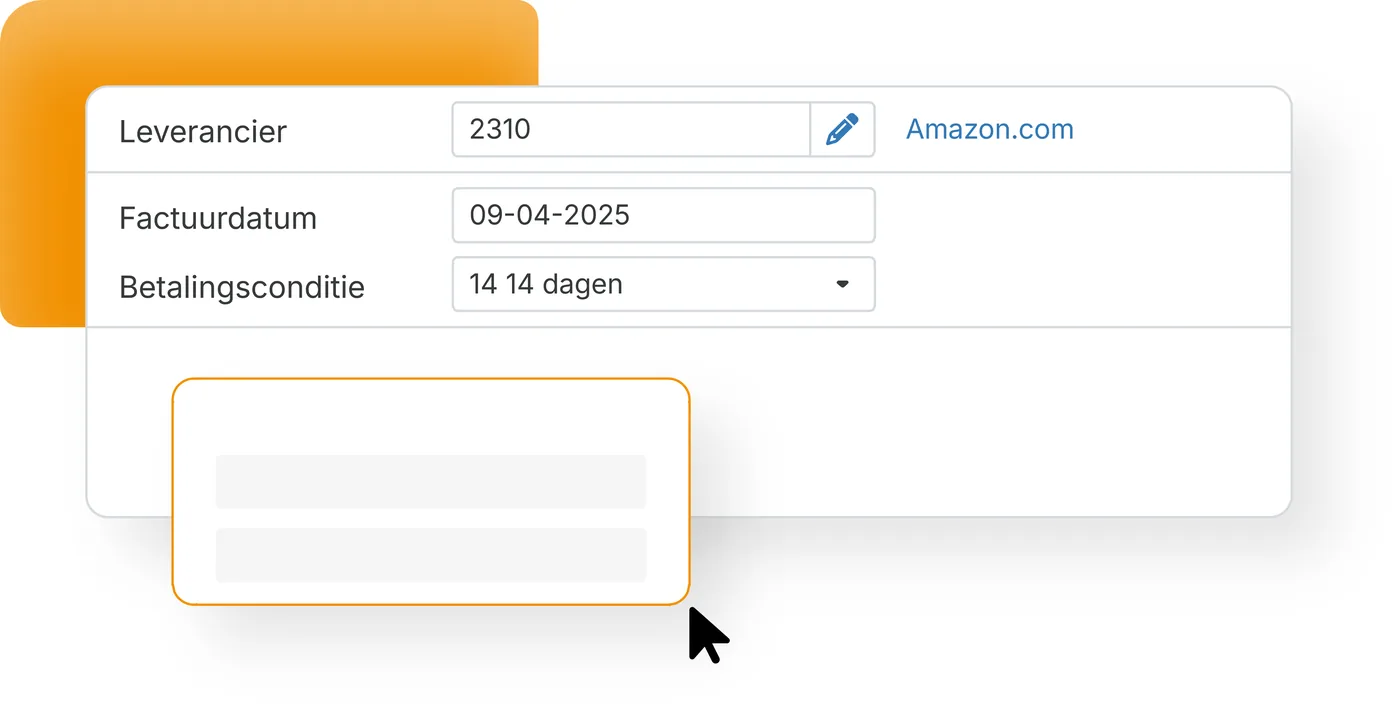
Self-learning AI decides which value belongs in which field: supplier, invoice number, date, amounts, VAT and the individual invoice lines. Because the engine learns per supplier and per administration, the second invoice from the same sender needs less attention than the first.
3. Coding
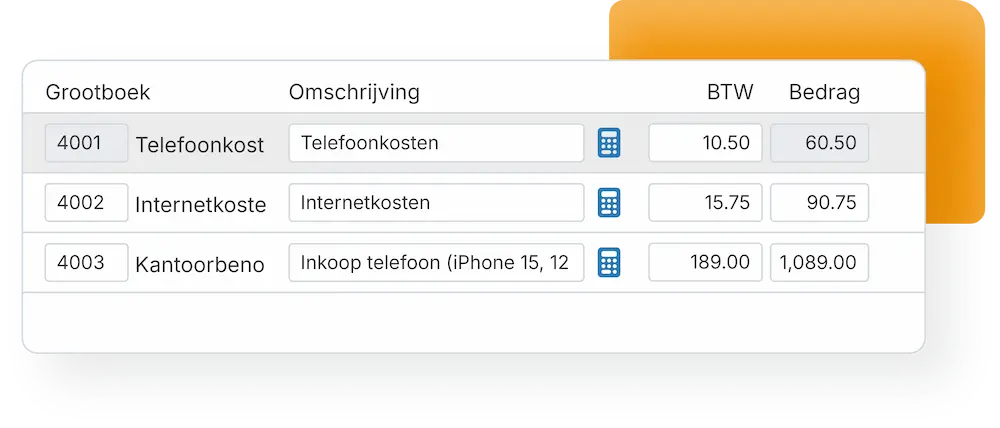
This is the work that decides the entry. Per invoice line comes a proposal for the ledger account, the VAT code and the cost centre, with the sub-amounts split and new suppliers proposed. Several VAT rates on one invoice therefore stay separate instead of being lumped together.
4. Booking
You see the proposal next to the document and give your visual final check. Only then does the journal entry move through the integration into your accounting software, with the original attached. From there your accounting software takes over: reporting, the VAT return and payment.
Real-time recognition, no queue
Upload and carry on with your work: TriFact365 recognises invoices without a manual processing step in between. Therefore your booking proposal is ready within seconds, also at the end of the month when everything arrives at once.
- A booking proposal within seconds of submitting
- No processing queue, not even at peak moments
- Every submission captured in one audit trail
AI picks the ledger account and VAT code
Reading the characters is the easy part. The work that decides the entry is choosing the right ledger account and VAT code per line, and that is where this recognition software earns its place. TriFact365 proposes the complete journal entry, so one visual check and one click are usually enough.
- More than 90% of invoices recognised correctly straight away
- Line recognition: a journal entry down to line level
- Sub-amounts, VAT codes and new suppliers proposed for you
See how recognition fits into the full processing flow.
Self-learning, more accurate every month
Every correction you make teaches the engine something, per supplier and per administration. Meanwhile we ship AI improvements at a high pace, which reach every user without an update on your side. As a result the quality of your bookkeeping rises rather than stays level.
- Learns from your way of working, invoice by invoice
- New AI improvements available to everyone straight away
- Fewer corrections, so fewer suspense postings at period close
Every other business document lands in one intake point, and you can check which software connects to your bookkeeping. Step-by-step instructions are in our help centre.
Questions about invoice recognition
It takes over the pre-accounting stage: reading the invoice, proposing the ledger account and VAT code per line and preparing the entry, before a booking exists. Your accounting software then handles the reporting. Because every step is captured in an audit trail, you can trace where an invoice came from and who approved it, which means fewer suspense postings at period close.
Recognition runs in real time: within seconds of submitting, the booking proposal is ready, also at peak moments. There is no manual processing step in between, so you can upload and carry straight on with your work.
Yes. With line recognition TriFact365 reads the invoice down to line level and proposes the right ledger account and VAT code per line, including the sub-amounts. That produces a complete journal entry that you book with one click.
Yes. Besides purchase invoices, TriFact365 recognises sales invoices, and receipts and expense claims are usually submitted with the mobile app. The processing route is the same, so your team works one way for every document.
They arrive with structured data, so the characters no longer have to be read. The recognition that decides the entry still happens: TriFact365 maps the invoice lines to the right ledger accounts and VAT codes and splits the sub-amounts. The PDF travels along as the readable document.
Yes. TriFact365 processes your invoices under the GDPR and over secured connections. Every recognised document stays searchable with an audit trail, so each action on an invoice remains traceable afterwards.
Most users are live within fifteen minutes. You connect your accounting software, point your invoice mailbox at TriFact365 and the first invoices are recognised straight away. No installation and no consultants are needed.
See more solutions
Document Hub
Collect and process documents through your preferred input channel.
Workflows
Create authorization flows for approving invoices.
Digital archive
Always have access to documents. Complete with history and audit trail.