Peppol e-invoicing with TriFact365
Peppol e-invoicing lets invoices travel straight between administrations, without PDFs going by e-mail. TriFact365 connects you to the Peppol network, arranges your Peppol ID and turns every incoming e-invoice into a booking proposal for your accounting software. In Belgium, where B2B e-invoicing has been mandatory since 1 January 2026, that is no longer optional. Receiving e-invoices over Peppol is what TriFact365 covers; issuing your own invoices stays with your accounting or invoicing software.

Link with all leading accounting software





What is Peppol?
Peppol is an international open network for exchanging e-invoices in a secure, standardised way. With Peppol e-invoicing a structured invoice (UBL) travels from one administration straight into another, where it can be processed immediately instead of arriving as a PDF by e-mail.
Not quite what you need? TriFact365 optimises your entire pre-accounting, up to and including the journal entries in your accounting software: it connects you to the network, arranges your Peppol ID and turns each incoming e-invoice into a booking proposal, while the rules of the network itself are set by Peppol International. If your invoices still arrive as PDF, look at reading invoice data. And for the whole route up to the entry there is a separate page.
How does Peppol e-invoicing work?
Receiving an e-invoice runs in four steps: registration, delivery over the network, coding and booking. You arrange the first step once, after which the other three repeat for every invoice. Below you can read what happens at each step.
1. Registration and your Peppol ID
You pass on your company details, we verify them and your administration is registered on the network with its own Peppol ID. An organisation can be registered with one provider at a time, so if you are registered elsewhere you deregister there first.
2. The invoice arrives over the network
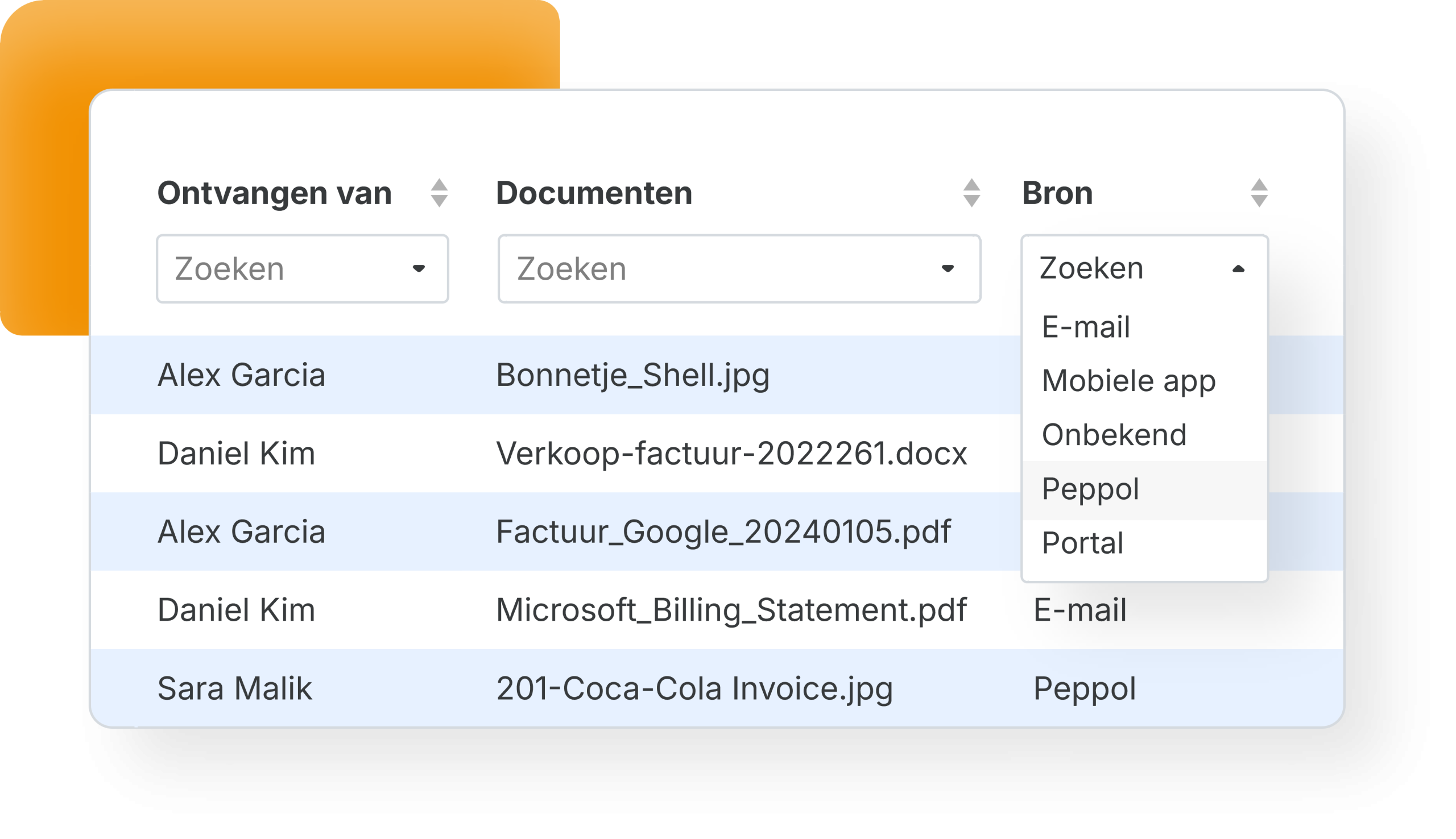
Your supplier addresses the invoice to your Peppol ID and it lands in your work queue as structured data. Suppliers who do not use Peppol yet keep sending a PDF, and those invoices join the same queue through your invoice mailbox.
3. Coding
This is the step people underestimate. An e-invoice removes the character recognition, because the data is already structured, but it does not decide the entry. The invoice lines still have to be mapped to the right ledger accounts and VAT codes and the sub-amounts split, and that is the part that happens here.
4. Approval and booking
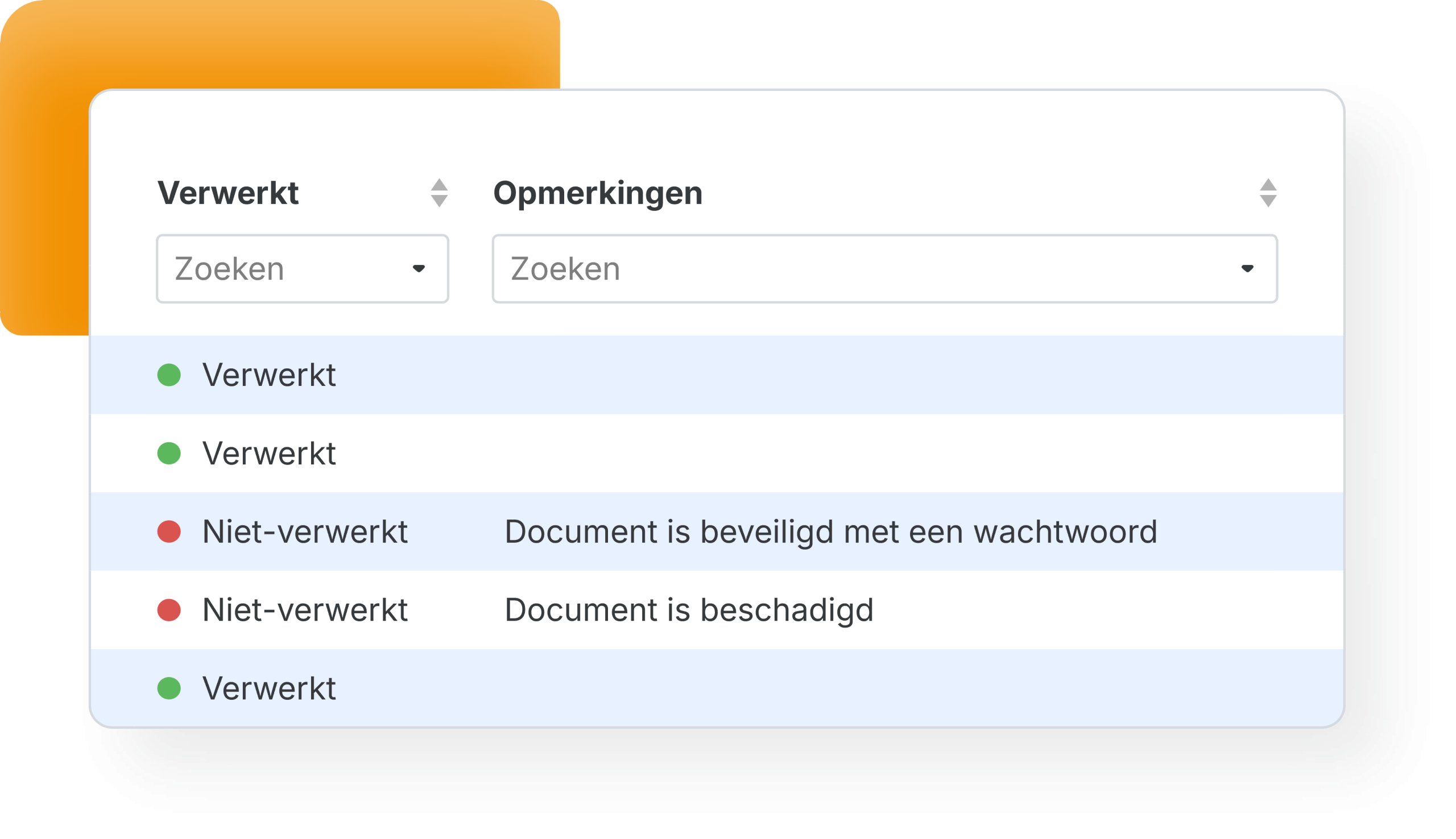
You can send the e-invoice through an approval route first, and after your visual final check the journal entry moves into your accounting software. The PDF version travels along as the readable document, so your archive stays uniform whatever the channel.
Ready for e-invoices from your suppliers
The rules differ per country and they are moving. Belgium made B2B e-invoicing mandatory on 1 January 2026, the Netherlands requires it for invoices to government bodies, and the European ViDA legislation points to a broader obligation around 2030. Because TriFact365 handles Peppol and scanned PDFs side by side, every invoice that comes in reaches your bookkeeping the same way. Issuing invoices yourself stays with your accounting or invoicing software.
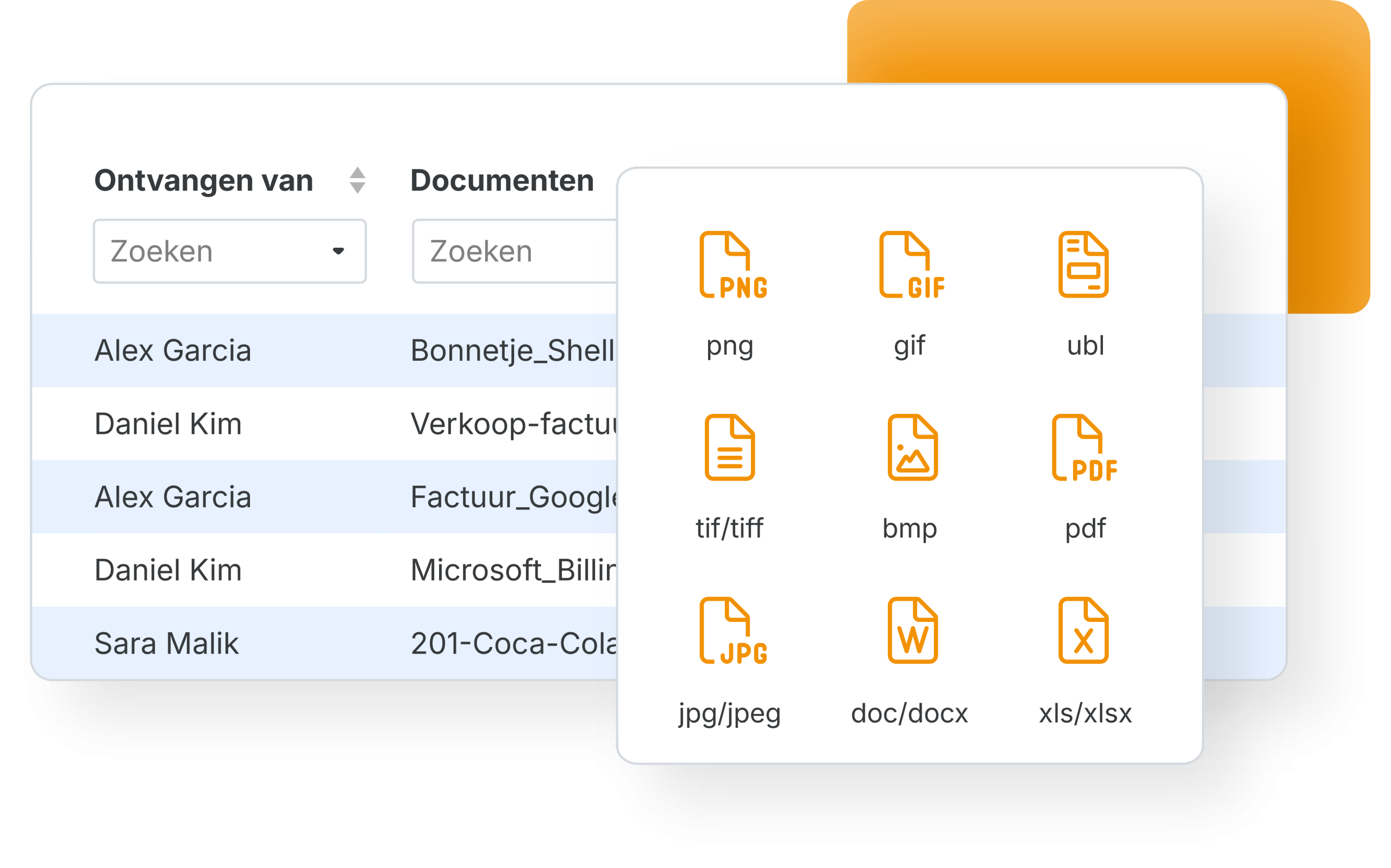
- Hybrid: Peppol and UBL next to PDF and scanned invoices
- Common UBL standards in the Netherlands and Belgium supported
- Optional approval routes on top of incoming e-invoices
Add a second pair of eyes with approval routes.
Your Peppol ID, arranged for you
You pass on your company details, we verify them, and you receive a Peppol ID automatically. From that moment e-invoices addressed to you are read in without any further action. You do not have to set up an access point of your own, since TriFact365 connects through a certified one.
- Access to the Peppol network, with your own Peppol ID
- No access point of your own to build or maintain
- See per invoice which channel it came in through
See which software connects to your bookkeeping, or follow the registration steps in our help centre.
What you gain from e-invoicing
An e-invoice arrives as data, so nothing has to be read from an image. The work that remains is the booking itself, and that is exactly the part TriFact365 automates: invoice lines mapped to ledger accounts and VAT codes, sub-amounts split, ready for your check. Therefore an e-invoice saves you the typing and the recognition step, not the judgement.
- No retyping and no recognition errors
- E-invoices land in the right place in your bookkeeping
- Every document in one audit trail, whatever the channel
Invoices that arrive as PDF still go through how documents are scanned, and every other document type lands in one intake point.
Questions about Peppol
Peppol delivers the invoice; TriFact365 does the pre-accounting that follows. The invoice lines are recognised and mapped to the right ledger accounts and VAT codes, the sub-amounts are split and the entry is prepared for your accounting software. You can also route the e-invoice for approval first, and every step stays visible in one audit trail.
It depends on the country. In Belgium B2B e-invoicing has been mandatory since 1 January 2026. In the Netherlands it is required for invoices to government bodies, while a B2B obligation is expected around 2030 through the European ViDA legislation. TriFact365 receives e-invoices over Peppol today, so the incoming side is covered; for issuing invoices yourself you use your accounting or invoicing software.
A Peppol ID is the unique address that identifies your organisation on the Peppol network, usually based on your company registration or VAT number. Other parties send their e-invoices to that ID. TriFact365 arranges one for you automatically.
No. An access point is the gateway to the network, but you do not have to build or maintain one. TriFact365 connects through a certified access point, so you can receive e-invoices straight away.
Yes. The common UBL standards in both countries are supported, which matters if you invoice across the border. Invoices that still arrive as PDF are processed in the same flow, so you do not need a second system during the transition.
An organisation can be registered with only one Peppol provider at a time, so you first deregister with your current provider. After that TriFact365 registers your administration and assigns your Peppol ID, which takes minutes rather than days.
See more solutions
Accounting robot
Your own accounting robot. Never retype invoices and receipts again.
Workflows
Create authorization flows for approving invoices.
Digital archive
Always have access to documents. Complete with history and audit trail.