Document archiving that happens by itself
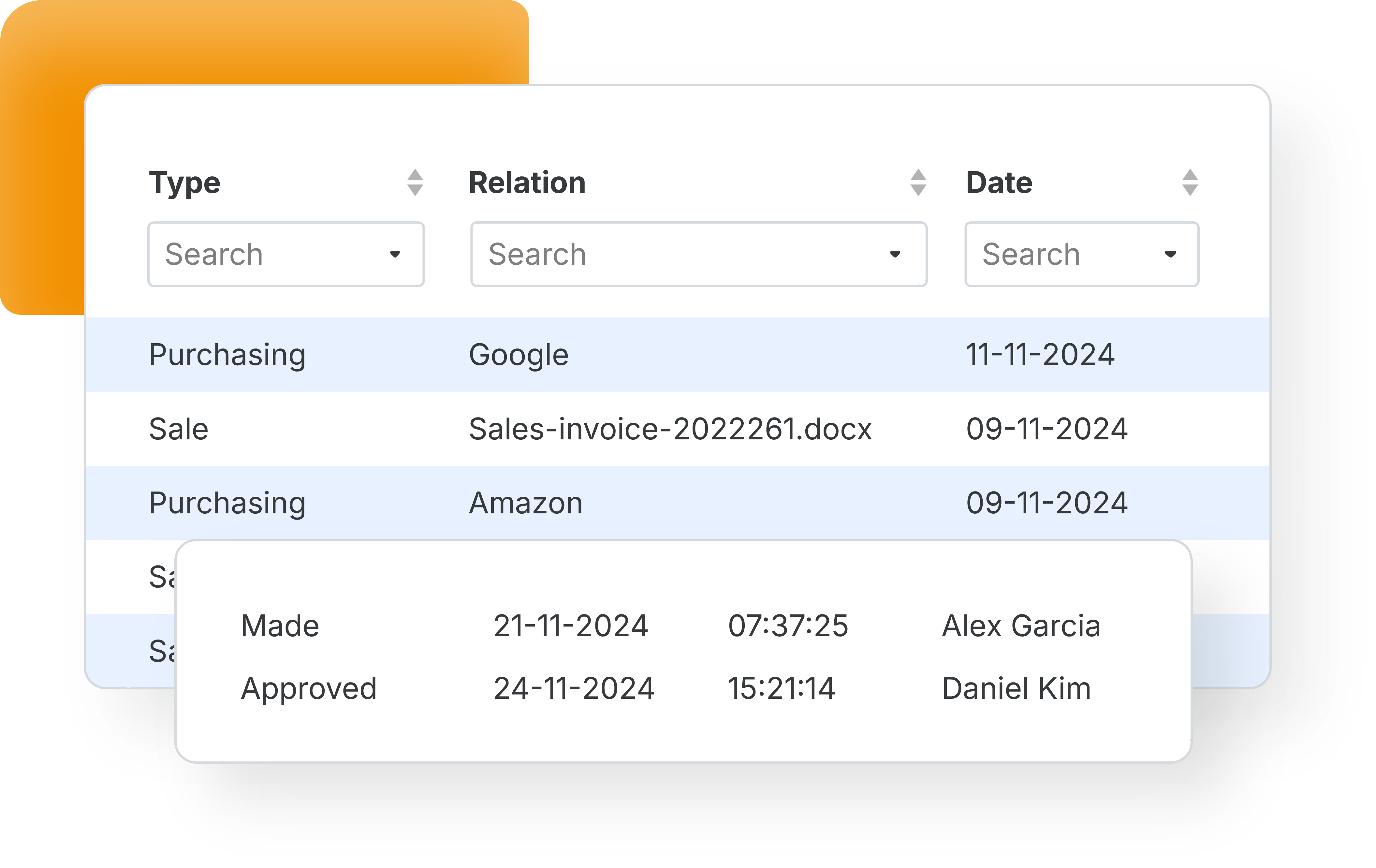
With TriFact365 document archiving is not a separate chore: every invoice, receipt and document you process is stored safely and stays searchable. As a result you keep a paperless administration, you can retrieve any document in seconds, and the audit trail shows who did what.

Link with all leading accounting software


What is document archiving?
Document archiving means storing your administration digitally so it stays readable, searchable and retrievable, and nothing has to be kept on paper. Invoices and receipts are stored the moment they have been processed, without anyone filing them.
Not quite what you need? TriFact365 optimises your entire pre-accounting, up to and including the journal entries in your accounting software, and keeps the documents behind those entries in an archive of its own. The intake and classification happen in the document portal, and processing and booking invoices is covered on a separate page.
How does document archiving work?
Archiving is not a step you carry out; it is what happens around the processing. Below you can read how a document gets into the archive, what is kept with it and how you get it out again.
1. The document arrives
An invoice or receipt comes in through the mailbox, an upload, the mobile app or Peppol, and you pick the document type on delivery. That choice determines where the document ends up in the archive later on.
2. Processing triggers the archiving
The moment an invoice or receipt has been processed, the document is stored. Nothing has to be named, filed or moved, and no folder structure needs maintaining.
3. What is kept with it
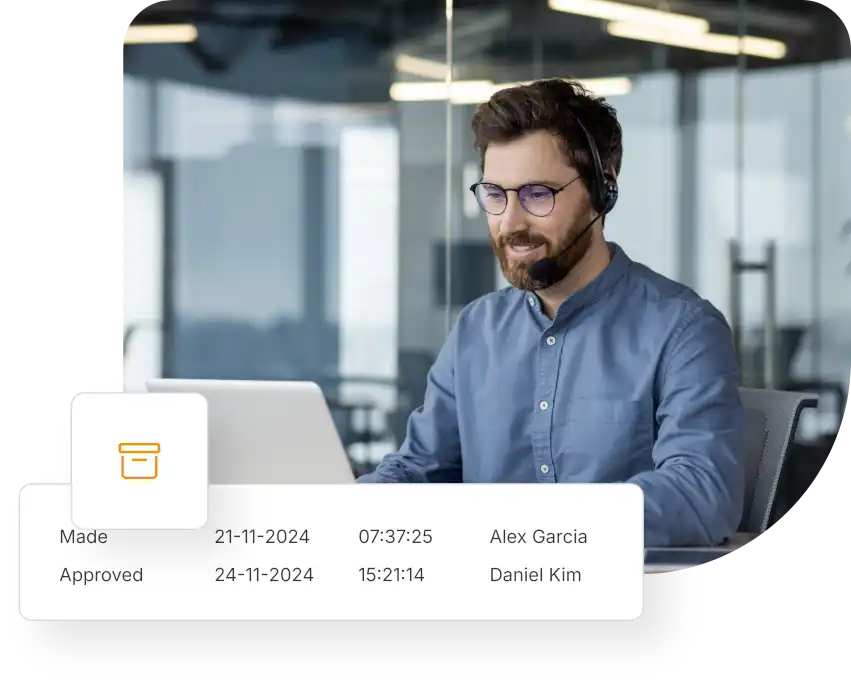
Three things travel together: the original document, the reference to the entry in your accounting software, and the audit trail of who did what and when. Because that set sits in the archive rather than in your package, the documents stay available and traceable even if you change accounting software.
4. Getting it out again
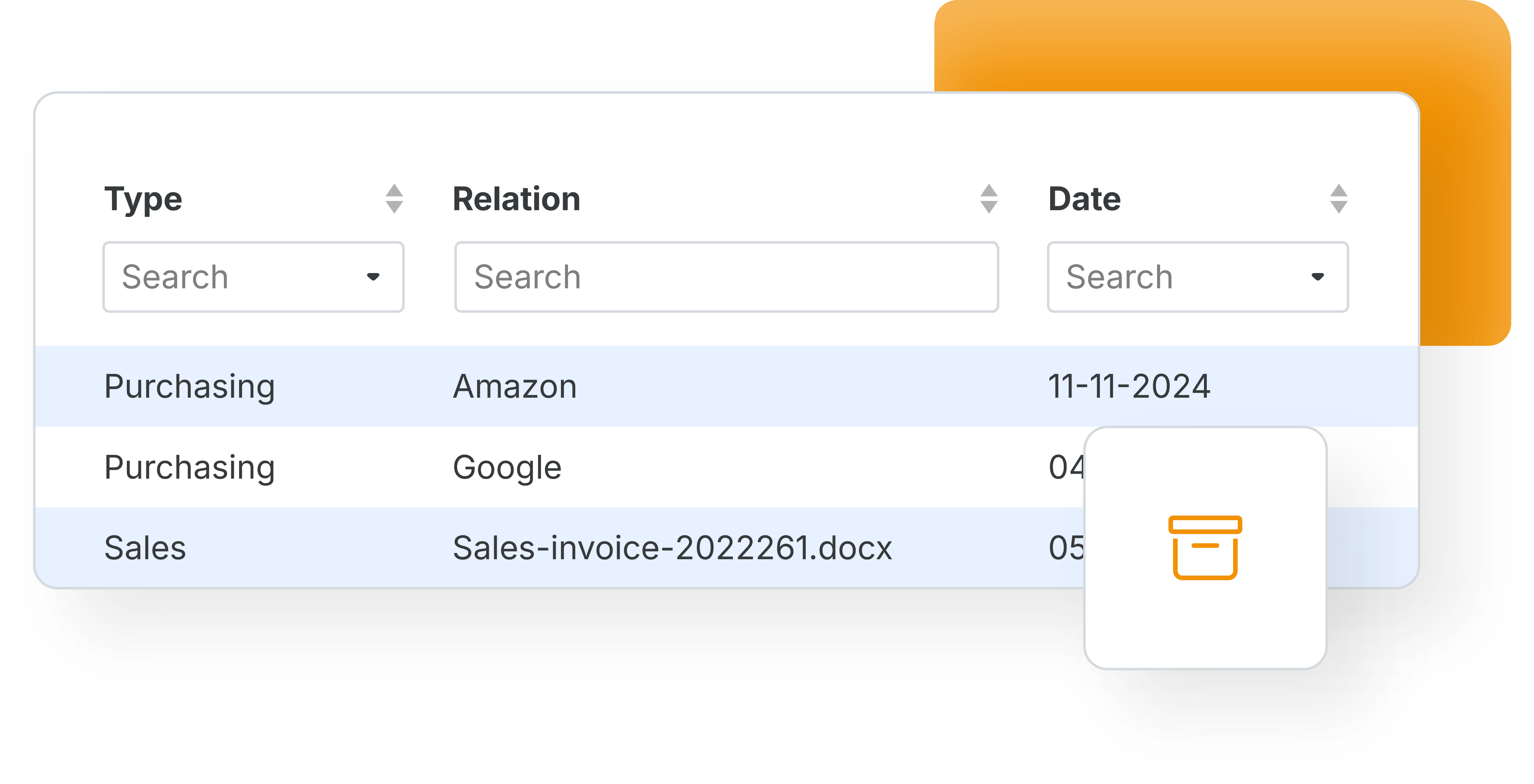
You search on relation, invoice number, entry number or amount and filter per administration, document type or period. Colleagues and your accountant work in that same archive, so a document does not have to be forwarded to be shared.

Retention without a filing cabinet
How long you have to keep records differs per country, and in most of Europe it runs to several years. Digital archiving takes the practical problem out of that: paper fades and gets lost, while a stored document stays readable and traceable for as long as you need it.
- Documents kept readable for the whole retention period
- Stored securely in the cloud and processed under the GDPR
- An audit trail per document, so history is provable
One archive for every document
The basis is your purchase and sales invoices and receipts, which land in the archive automatically once they have been read. In addition you can archive other business documents through Preview (Beta), sorted per category, so the whole administration sits in one place instead of across three systems.
- HR and financial documents, such as payslips and bank statements
- Tax and legal documents, such as VAT returns and contracts
- Sorted per category, without manual filing
Documents reach the archive after the invoice has been read, and every document type arrives through one intake point.


Find any document in seconds
An archive is only worth having if you can find things in it. Search on relation, invoice number, entry number or amount, and filter by administration, document type, date or period. Meanwhile you can give colleagues or your accountant access to the same archive, so nobody has to forward a PDF again.
- Search and filter on relation, number, amount and period
- Unlimited users, so your accountant looks in the same archive
- Fewer questions at period close, because nothing is missing
See which software connects to your bookkeeping, or read how the archive works in our help centre.
Questions about document archiving
Your accounting software keeps the entries; TriFact365 keeps the documents behind them, with the audit trail that shows how each one was handled. Because the archive is separate from your package, your documents stay available and searchable even when you switch accounting software, and you can give your accountant access without exporting anything.
It happens on its own. As soon as an invoice or receipt has been processed, the document is stored in your digital archive in the cloud. There is nothing to file, name or move by hand.
Purchase and sales invoices and receipts are the basis. Through Preview (Beta) you can also archive other business documents, such as payslips, bank statements and contracts, sorted per category.
Retention periods are set per country, so check what applies to yours. What TriFact365 provides is what those rules ask for in practice: documents that stay readable and retrievable for the whole period, stored securely in the cloud and processed under the GDPR, with an audit trail per document.
On relation, invoice number, entry number and amount, with filters for administration, document type, date and period. That combination is usually enough to land on a specific document within seconds.
Yes. You add as many users as you need, so colleagues and your accountant consult the same archive. Each action stays recorded in the audit trail, which keeps it clear who viewed or changed what.
See more solutions
Accounting robot
Your own accounting robot. Never retype invoices and receipts again.
Workflows
Create authorization flows for approving invoices.
Digital archive
Always have access to documents. Complete with history and audit trail.